Ore Detector
SDX uses the custom Asteroid Scanner mod to greatly enhance the capabilities of the vanilla Ore Detector block. In addition to short-range ore detection, ore detectors now have two additional modes of operation: Basic Scan and Detailed Scan.
Performing a scan
The Ore Scanner needs to be ON for the Asteroid Scan functionality to be present!
Doing a Basic or Detailed Scan works exactly the same:
Activate Asteroid Scan mode from your hotbar or the Ore Detecors control menu
Aim the Scanner crosshair (small
+, identical to the WC crosshair, not the vanilla one!) at an asteroidLeft click to perform a scan
The type of scan depends on your range to the asteroid. Currently, scan results are not persistent between sessions, but that may change with a future update.
Basic Scan
While within view distance (within ~30 km) you can perform a basic scan on any asteroid, telling you what kinds of ore deposits it’s supposed to have. If the asteroid has already been mined, the scanner will still detect the original ore traces and show you what was there.
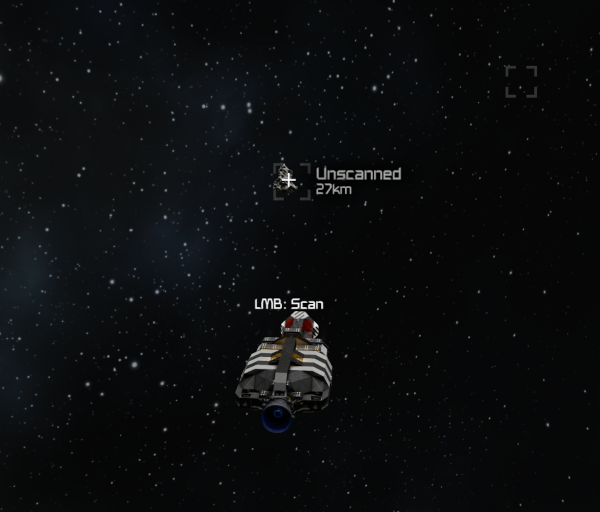 Ready for basic scan | 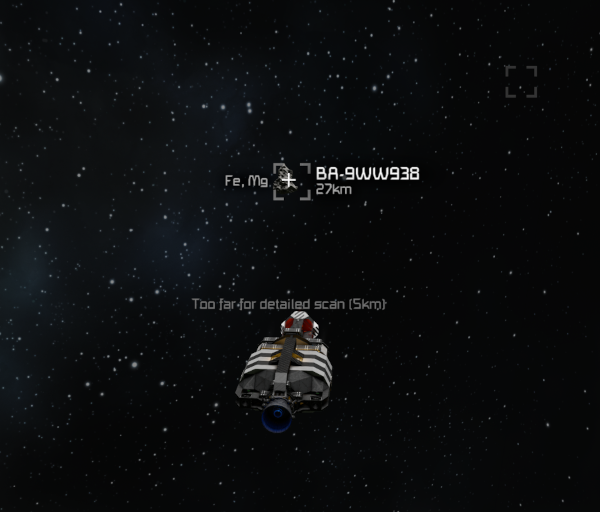 Basic scan results |
Detailed Scan
While between 1 km and 5 km distance from an asteroid, you can perform a detailed scan. This gives you much more detailed info about the current state of the asteroid. You’ll see the total volume, the ore contents in percent of total volume and all ore deposits currently present on the asteroid will be highlighted. Once you get very close to the deposits, the highlighting fades out and vanilla Ore Detector functionality takes over.
Performing a Detailed Scan will also yield the results of a Basic Scan.
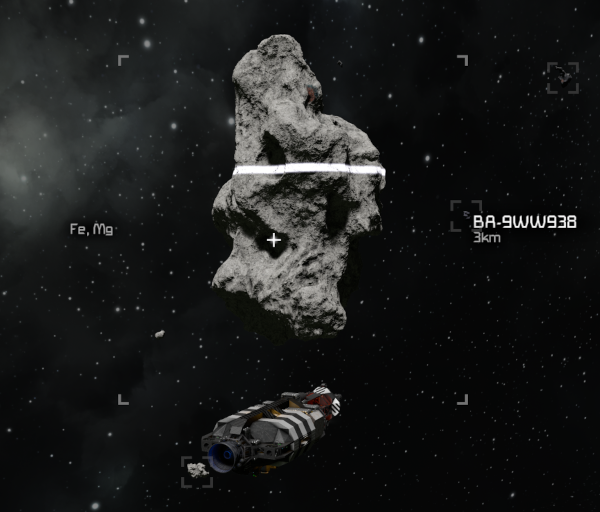 Detailed scan in progress | 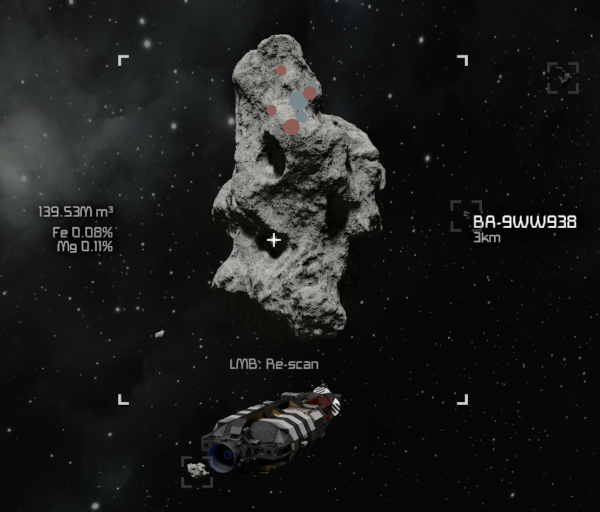 Detailed scan results |
Tips and Troubleshooting
Flip and Burn will display a collision warning up to 30 seconds before impact with voxel, independently from the Ore Detector (see Travel)
Asteroids currently do not reset. At all. The available amount of ores should last us a few years at least.
In case of invisible or unscannable asteroids, try
!entities refresh(DO NOT run this while seated!)or reconnect (
F5)
If the issue persists, create a GPS marker and share it with staff via a ticket in #🎫sigma-support on our discord, please!
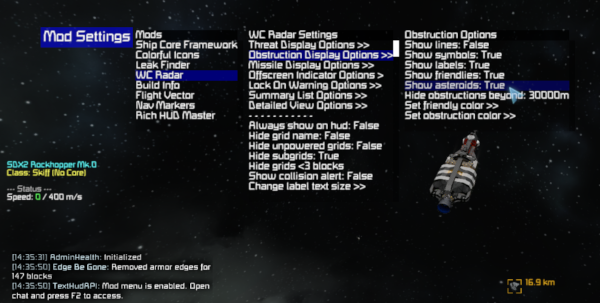
You can make WC Radar highlight asteroids out to 24 km distance via the mod menu:
Enter→F2→Mod Settings(top left).
This may lead to harmless “ghost asteroid” readings appearing while you’re traveling fast through areas with no asteroids.